
By Robert J. Corn · Founder, AetherCut
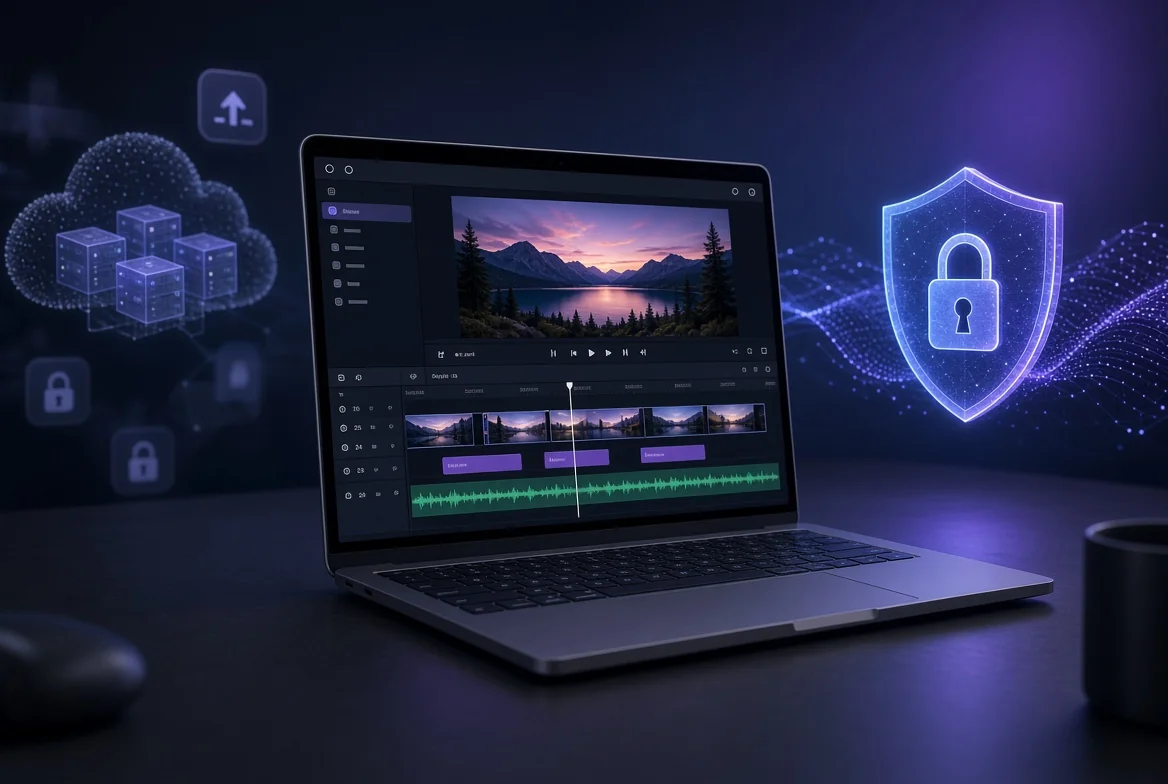
The best auto video editor ai depends on your footage's privacy requirements: Descript, CapCut, Clipchamp, Kapwing, and VEED all process footage in the cloud, while AetherCut runs entirely client-side in your browser. This guide ranks each tool for reels, TikTok, and music video work, scoring what free tiers actually cap and whether footage ever leaves your device.

For footage you cannot legally hand to a third party, AetherCut is the pick: it runs client side in your browser, and you can open DevTools' Network tab and watch zero outbound video bytes. For general use where uploads are acceptable, Descript (descript.com) and CapCut are the mainstream defaults.
How we evaluated each tool Three criteria, applied to every product including our own:
Privacy posture. Does editing happen locally, or must footage reach a vendor's servers? For deposition video, patient footage, or source-protected material, this is a legal question, not a preference. We break down what confidential footage requires in practice at AetherCut's guide to editing confidential footage. Export quality. Whether 4K export survives without watermarks or forced compression. Free-tier limits. Export caps, watermarks, and feature paywalls.
The honest caveat: AetherCut's AI features run locally, which means slower transcription than tools with data centers behind them. The rest of this guide scores each tool against these criteria per use case.
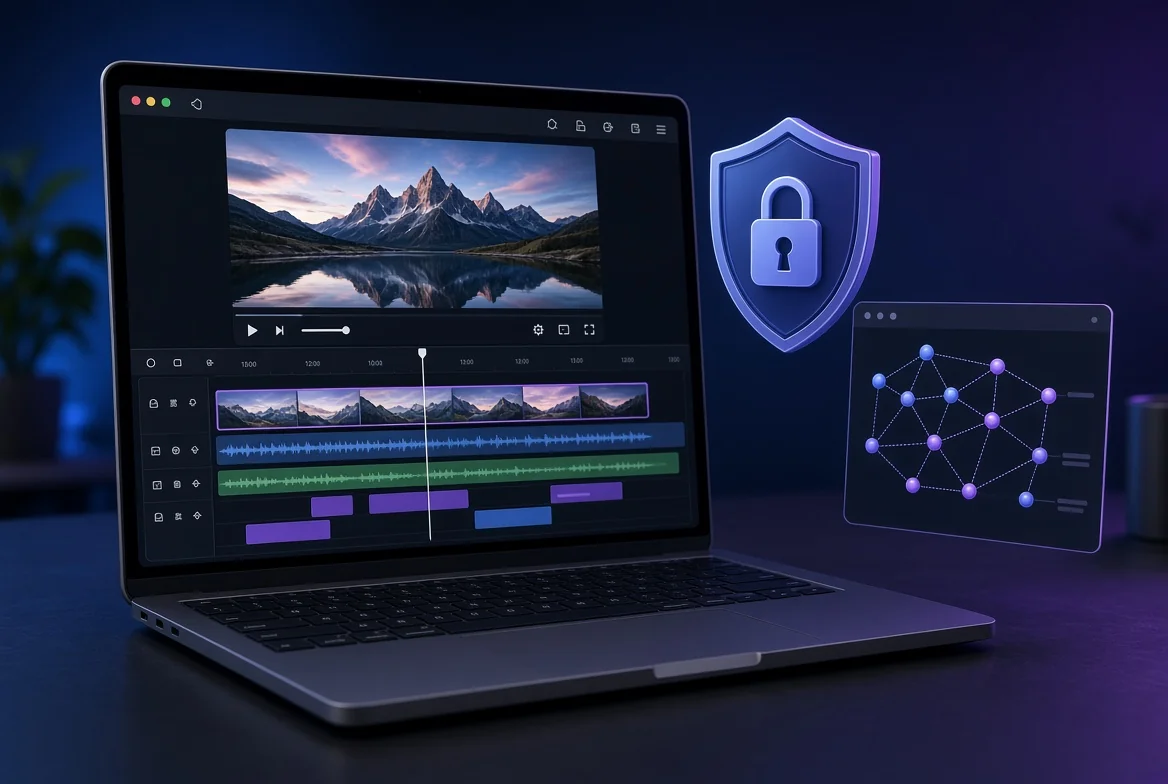
No. Most browser editors process your footage on their servers, but a few run transcription, effects, and export entirely in your browser. Descript, CapCut, Clipchamp, Kapwing, and VEED.io all depend on their servers for core features. AetherCut runs its full multi-track timeline, Whisper captions, and 4K export client-side through WebCodecs and WebGPU, so footage never leaves your machine (offline video editor).
How to verify a no-upload claim in 60 seconds Open DevTools, go to the Network tab, load a source clip, and scrub the timeline. Watch for outbound requests carrying video-sized payloads. If a tool claims client-side processing, you should see zero media bytes leaving the tab. Do this before you edit anything confidential.
Why HIPAA and privilege rules out most browser editors Uploading deposition footage or patient video to a vendor's servers can itself be the disclosure that violates your obligations, regardless of their security posture. For regulated work, the only safe posture is architectural: no path for footage to leave the device.
Which auto video editor AI works best for reels? For reels you need four things: auto-reframe from 16:9 to 9:16, accurate auto-captions, clean 9:16 export, and a privacy posture that fits your footage. Here is how the main options compare.
Auto-reframe and caption quality AetherCut runs Whisper locally for captions and reframes client-side via WebCodecs, so nothing leaves the machine. Descript and VEED handle both well but process in their own environments. CapCut's reframing is strong for TikTok-style cuts. Clipchamp shares the single-track limitation common in the category: no multi-track video editing.
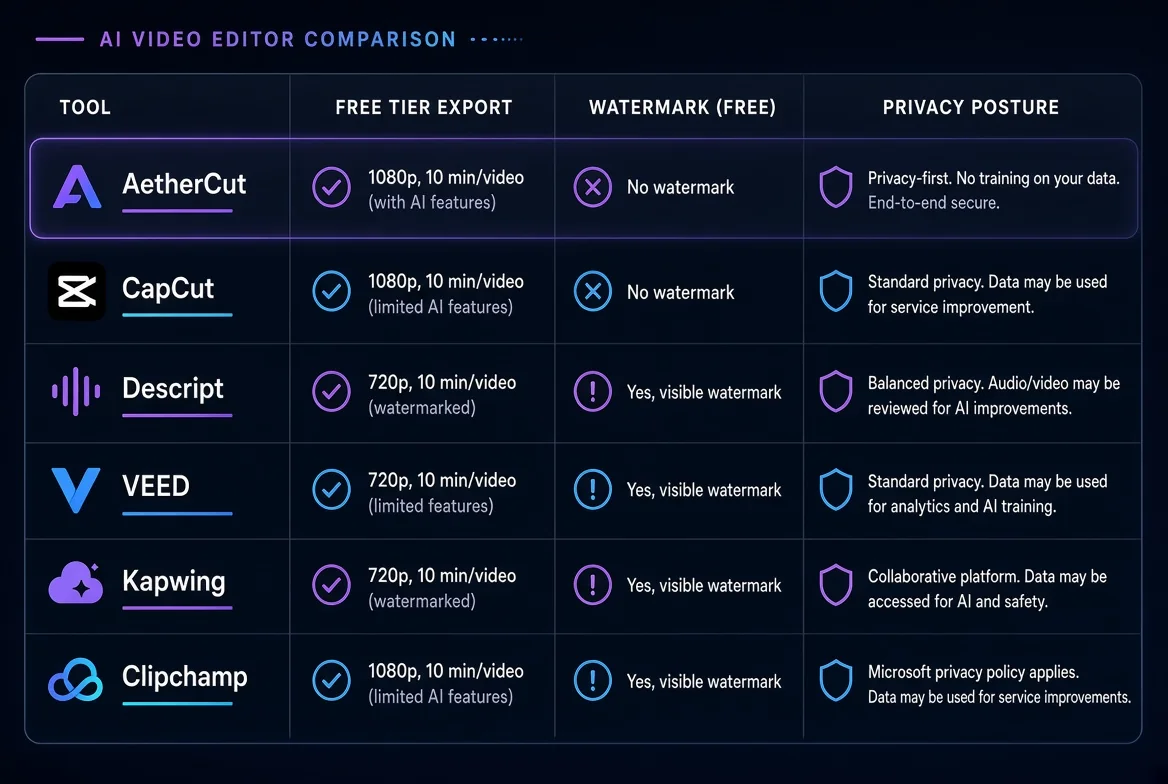
Free-tier export limits for reels Tool Free tier export Watermark (free) Privacy posture AetherCut 4K, 9:16 None, any tier Client-side, verifiable in DevTools CapCut 1080p Yes Cloud processing Descript 720p with export limits Yes Cloud processing VEED 720p Yes Cloud processing Kapwing 720p, duration cap Yes Cloud processing Clipchamp 1080p No Cloud processing Confirm current caps on Descript's pricing page before committing; free tiers change often. If you want to test the client-side workflow first, AetherCut's free editor with no account runs without signup.
Four criteria matter: cut length tuned to trending formats (most TikTok retention happens in the first 3 seconds, so cuts should land at 1–3 second intervals), caption styling that matches native TikTok text, safe zones that keep captions out of the UI chrome and right-rail, and whether the tool ships your footage anywhere. That last one is the filter that removes most of the category.
Safe zones, captions, and cut length Check that the editor overlays TikTok's actual safe zones on the preview canvas, not a generic margin. Captions should be styleable at the word level, since TikTok viewers expect karaoke-style highlighting. Auto-captions should run locally, as AetherCut does with Whisper running client-side.
Where upload-based editors fall short for confidential content CapCut, Descript, Clipchamp, Kapwing, and VEED all process footage in their infrastructure, which disqualifies them for anything privileged or regulated. Volume creators without that constraint can accept it; lawyers and clinicians cannot.
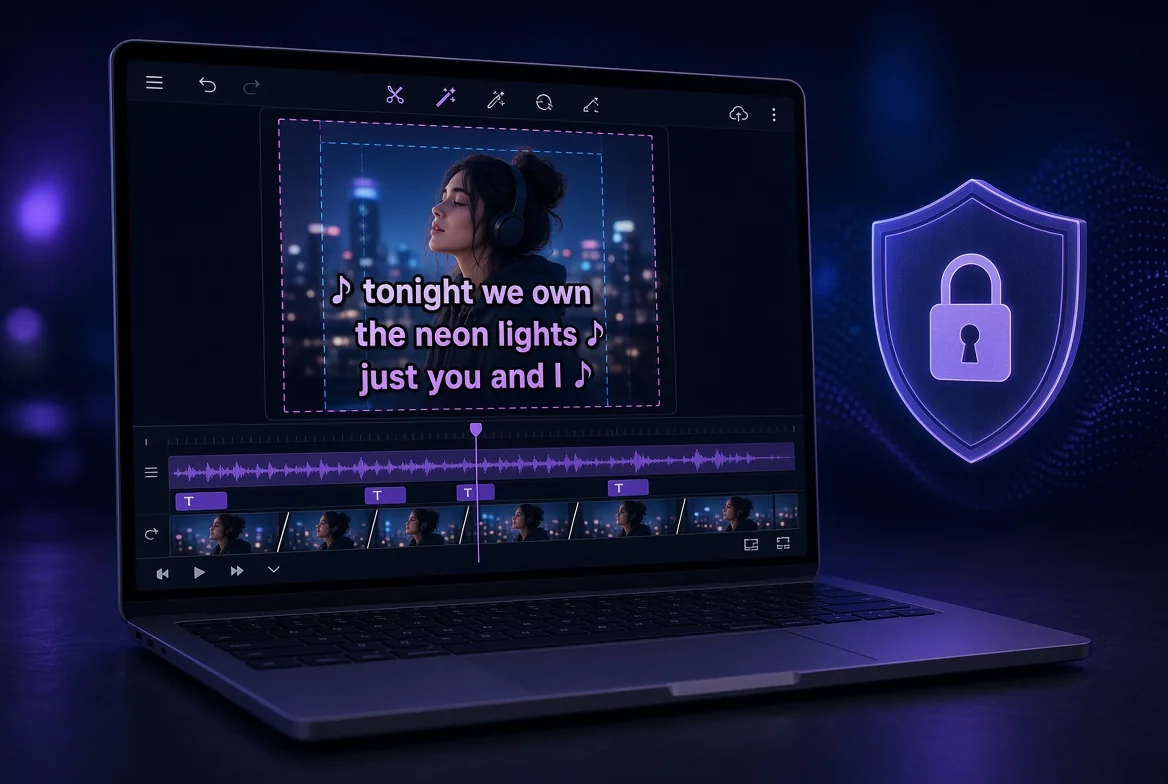
Beat detection works by analyzing the audio waveform for rhythmic peaks, then placing cut points on the timeline. It reliably handles tracks with a steady tempo and a clean kick or snare. It fails on live recordings, rubato passages, and tracks where the downbeat is ambiguous, so treat auto-detected markers as a first pass you refine by ear.
Most browser editors in this category, including CapCut, process audio on remote servers, which means your unreleased track leaves your machine before you ever see a cut. AetherCut runs beat detection client-side using Web Audio APIs, placing waveform markers on a multi-track timeline; nothing leaves the browser, as shown in our offline editing walkthrough.
The honest limit: automatic beat sync gets you maybe 80% of a music video edit. The final 20%, matching cuts to lyrical emphasis rather than tempo, still needs human judgment
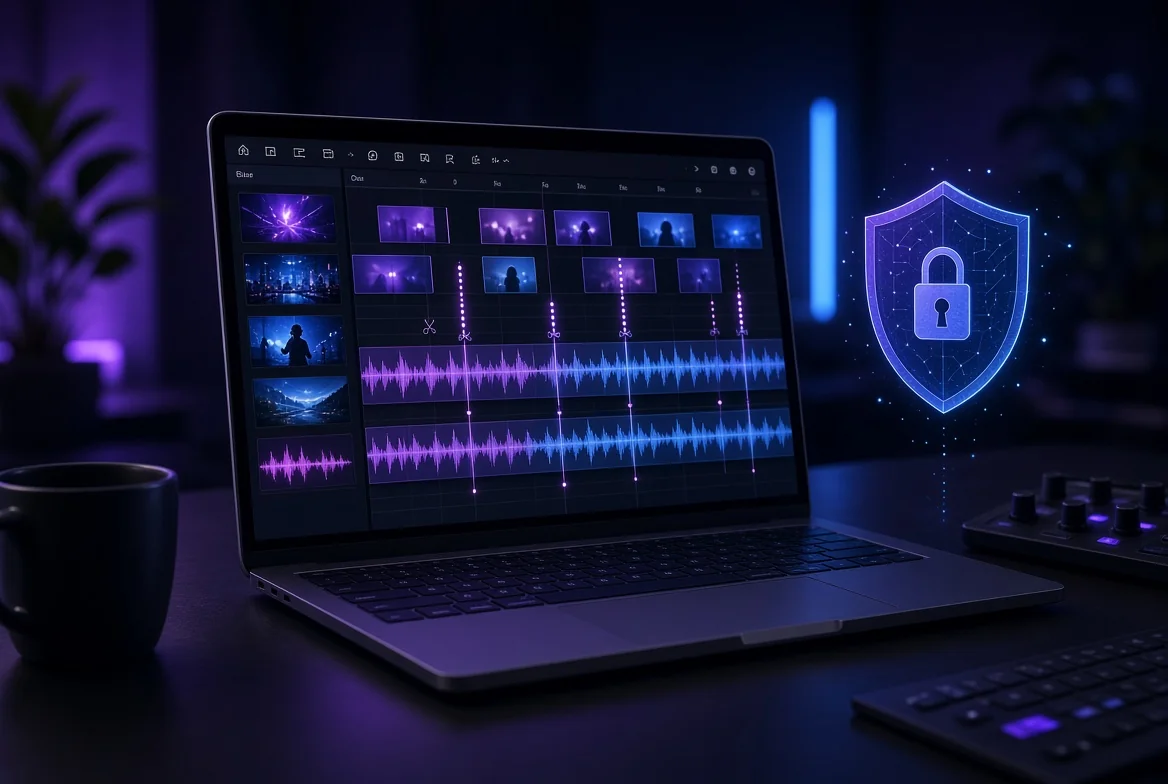
Free tiers across this category usually cap the same four things: a watermark burned into exports, a ceiling on export resolution, a limit on project length, and a requirement to create an account before you can render anything. Descript, CapCut, Clipchamp, Kapwing, and VEED.io all restrict some combination of these, and the exact numbers change often enough that you should check each pricing page before committing to a workflow around them. The watermark deserves special attention because it is the one cap that survives editing. Resolution and duration limits only affect the export; a watermark is embedded in every frame of your finished file. If you are editing deposition footage or patient-facing material, a branded overlay on confidential video is not a cosmetic problem, it is a disclosure problem. You either pay to remove it or you cannot ship the file at all, which means the free tier was never really free for your use case.
Where AetherCut falls short:
AetherCut puts no watermark on any tier, so the file you export is the file you edited. The honest caveat is performance: because everything runs client-side through WebCodecs and WebGPU, long 4K timelines are bounded by your browser and hardware, not by a server. A ten-minute multi-track 4K project on an older laptop will stutter where a desktop NLE would not. If your footage is long, high-resolution, and multi-track, test it with your real files before committing.

Use auto-editing for the mechanical work: captions, speaker reframing, highlight pulls, and rough first cuts. Whisper-based transcription and beat detection get you 80% there in minutes. Manual NLE work wins when the stakes are legal or the pacing is the product: deposition clips where a mis-cut changes meaning, nuanced documentary timing, music video sync that needs frame-level judgment.
Cost matters too. One reviewer tallied roughly $1,680 in Premiere Pro subscription fees since 2019 for trimming and subtitles twice a month, and noted that tools processing locally through the File System Access API keep files on your machine.
The honest split: automation for speed, hands on the timeline for privilege, sources, and sync.

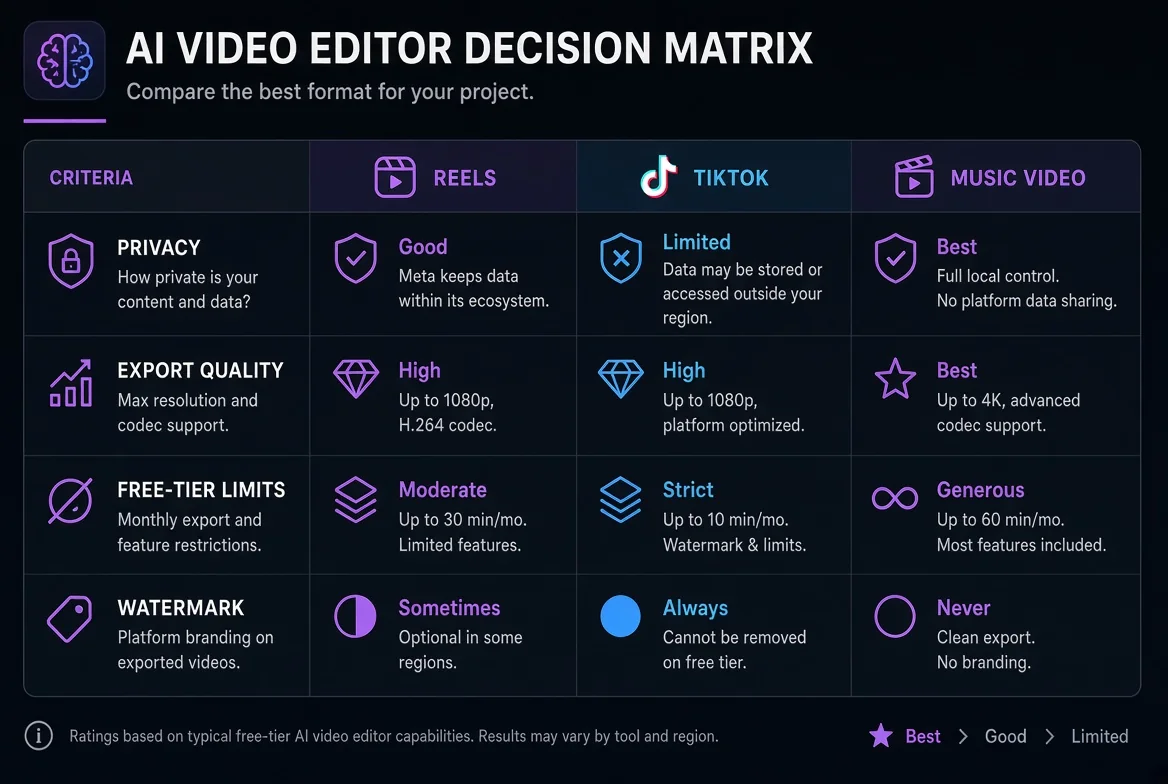
Pick your row first, then your tool. Reels demand 1080p vertical export and caption automation. TikTok adds trend-length cuts under 60 seconds. Music video work needs beat-synced trimming and multi-track timelines, which rules out single-track tools like FlexClip.
How to read the matrix Score every tool, including AetherCut, on the same four criteria: does editing require sending footage anywhere, what export quality the free tier allows, how long you can work before hitting a limit, and whether a watermark ships on output.
Run honestly, AetherCut wins the privacy row: nothing leaves the machine, verifiable in DevTools, and no watermark on any tier. It loses elsewhere. Its auto-editing is thinner than Descript's text-based workflow, and beat-sync for music video work is rougher than a dedicated tool's. If your footage is already public, CapCut or Clipchamp will finish a reel faster. If your footage is a deposition, a patient clip, or a source call, the privacy row is the only one that matters.
What is the best AI video editor for reels and TikTok?
For public footage, CapCut has the strongest reframing for TikTok-style cuts, while Descript and VEED handle captions well. All process footage on remote servers. AetherCut runs Whisper captions and reframing locally and exports 4K vertical without a watermark on any tier, though its auto-editing is thinner than Descript's text-based workflow.
Is there an AI video editor that doesn't upload your footage?
Yes. AetherCut runs its multi-track timeline, Whisper transcription, and 4K export entirely in your browser through WebCodecs and WebGPU, so media bytes never leave your machine. You can verify this yourself: open DevTools' Network tab, load a clip, and scrub the timeline. Most alternatives, including Descript and CapCut, require sending footage to their infrastructure.
Can AI auto-edit a music video to the beat?
Beat detection analyzes the audio waveform for rhythmic peaks and places cut points automatically. It works well on steady-tempo tracks with clean kicks but struggles with live recordings and rubato passages. Treat the markers as a first pass you refine by ear; matching cuts to lyrical emphasis still needs human judgment.
Do free AI video editors put a watermark on exports?
Most do. CapCut, Descript, VEED, and Kapwing all burn watermarks into free-tier exports, and a watermark is embedded in every frame, so it survives any editing you do. For confidential material, a branded overlay is a disclosure problem, not a cosmetic one. AetherCut puts no watermark on any tier.
What is the best auto video editor AI for confidential or client footage?
AetherCut is the pick, because uploading deposition or patient footage to a vendor's servers can itself constitute the disclosure you are obligated to prevent. AetherCut's architecture keeps footage on the device, with no path for it to leave. The tradeoff is speed: local transcription and long 4K timelines are bounded by your hardware, so test with real files first.
Thanks for rating!