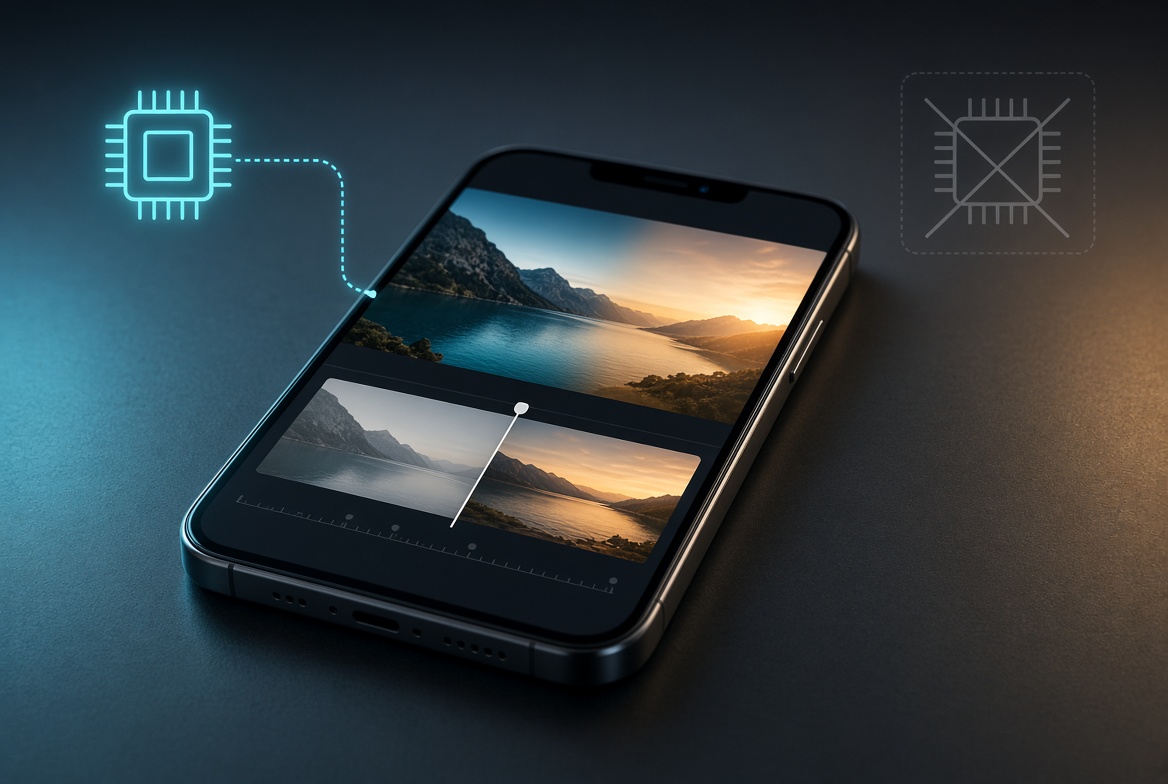
The naive way to crossfade is to decode both clips simultaneously and blend their frames while they both play. On a laptop that is usually fine. On a phone it is not: mobile operating systems cap how many hardware video decoders a tab can hold, and two HD decoders plus their frame buffers push memory past what the tab is allowed. The result is a dropped decoder, a frozen preview, or a crashed tab.
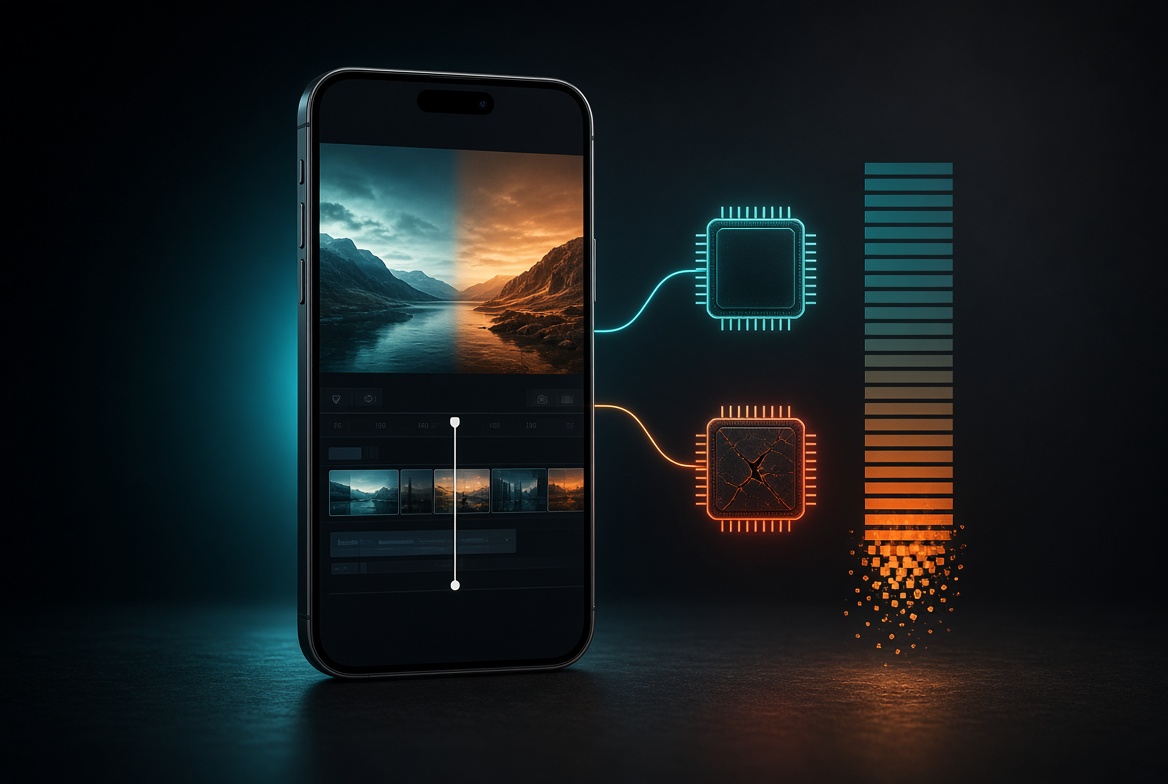
AetherCut never keeps more than one live decoder alive. Clips are processed in sequence. When one clip reaches the transition, its last composited frame is copied into an offscreen canvas — a single static bitmap. The incoming clip is then the only thing being decoded, and it is blended against that frozen frame.
So the thing a viewer reads as “two HD clips overlapping” is really one live decoder plus one still image. A crossfade is an alpha blend of the incoming frame over the frozen one; the alpha ramps from 0 to 1 across the transition. Peak memory is roughly one decoder plus one frame, no matter how many clips you stitch together.
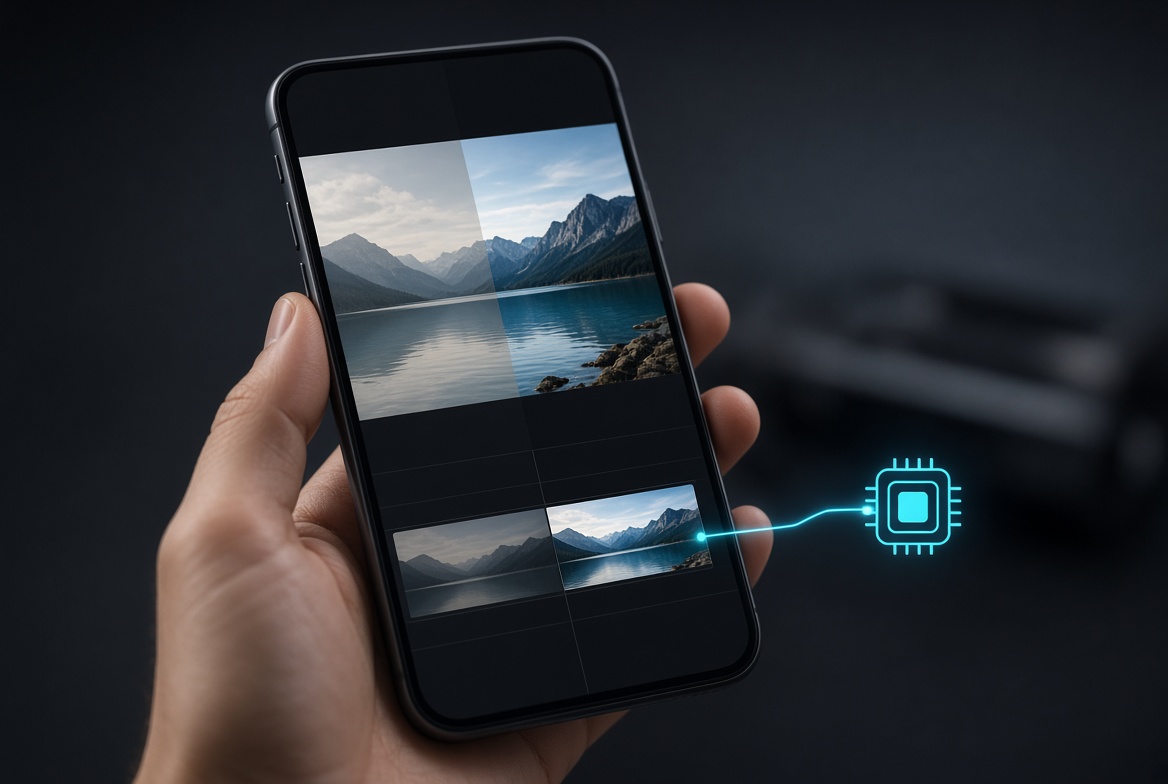
Directional transitions do not need a second decoder either. For a slide, the frozen frame is translated off-screen while the incoming frame translates in. For a wipe, the incoming frame is revealed over the frozen one along a moving edge. In every case the outgoing clip is a static bitmap, not a running video.
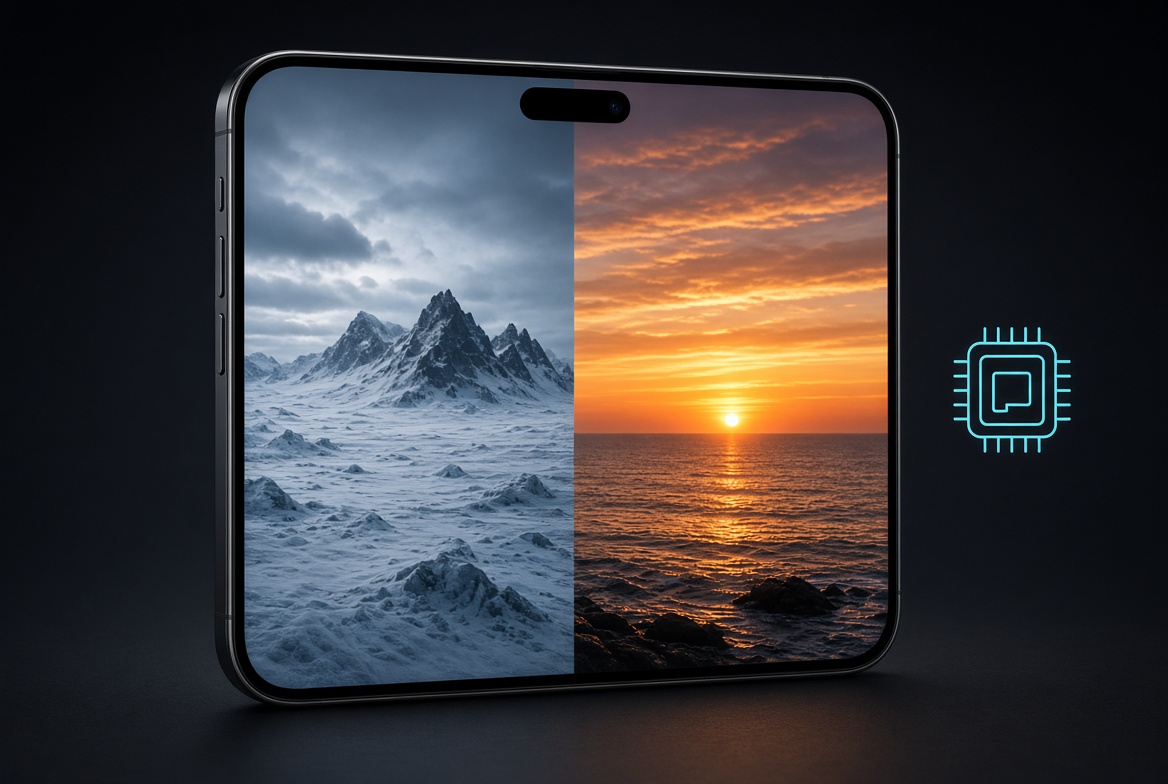
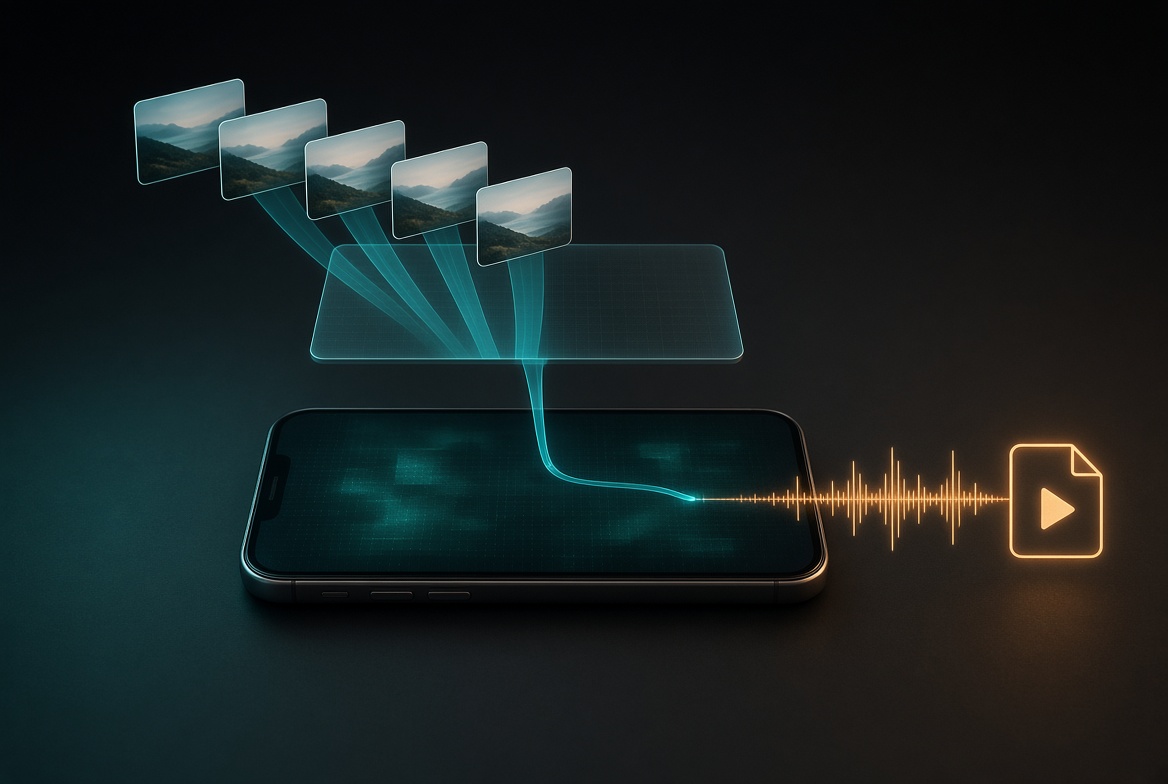
Every clip is drawn, frame by frame, into one shared canvas sized to a 1280x720 output. That canvas is turned into a live video track with canvas.captureStream(), and each clip's audio is mixed through a single WebAudio destination. The combined video and audio stream is handed to MediaRecorder, which writes one continuous file. The chosen colour filter is baked in via the canvas filter as frames are drawn.
Between clips, the decoded video element is paused and its blob URL is revoked, so the browser can reclaim that clip's buffers before the next one loads. Memory stays flat across a long timeline instead of climbing with every clip added.
There is no upload and no ffmpeg in this path. The footage never leaves the device — the entire stitch happens in the tab, on the phone.
This pipeline depends on canvas.captureStream(), MediaRecorder and AudioContext. iOS Safari does not support that combination reliably, so on those browsers the stitch returns early and the editor falls back rather than producing a broken file. Closing that gap cleanly is still open work.
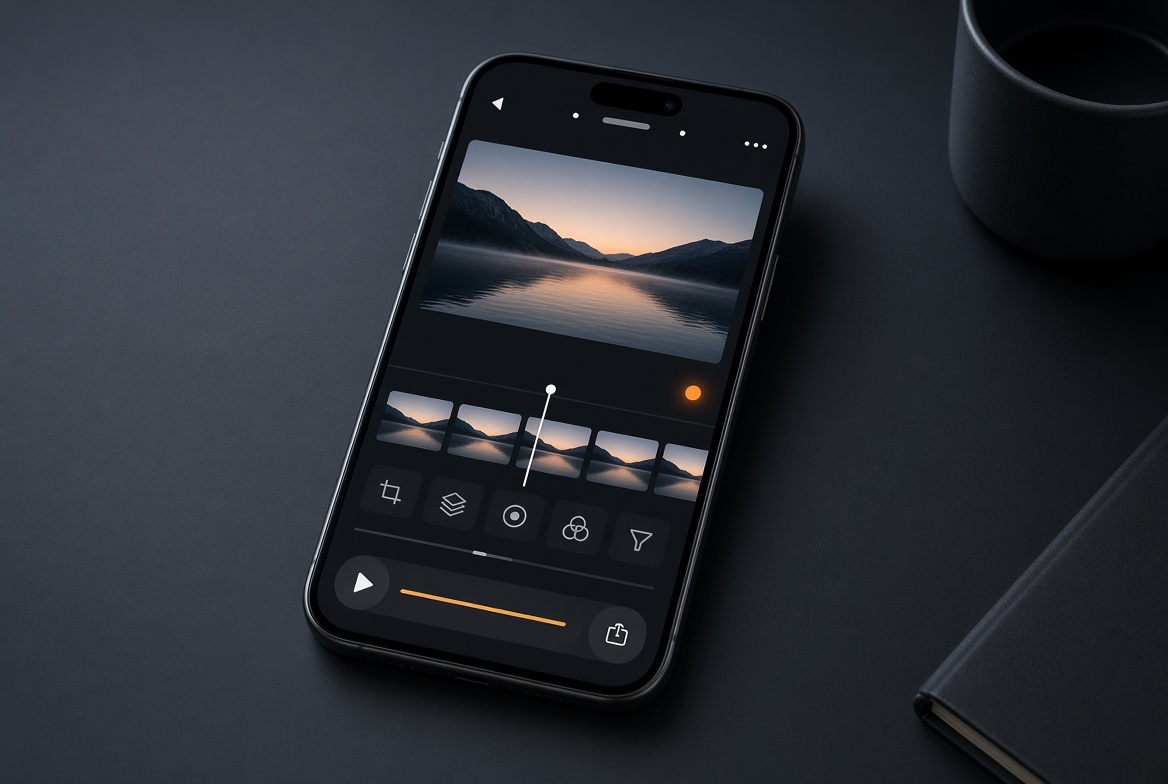
The constraint that everything runs in the browser, with nothing uploaded, is the whole point of AetherCut — it is what lets you edit footage you cannot send to someone else's server. The one-decoder design is what makes that constraint hold up on a phone, where the memory budget is tight and a second decoder is a luxury you cannot spend.