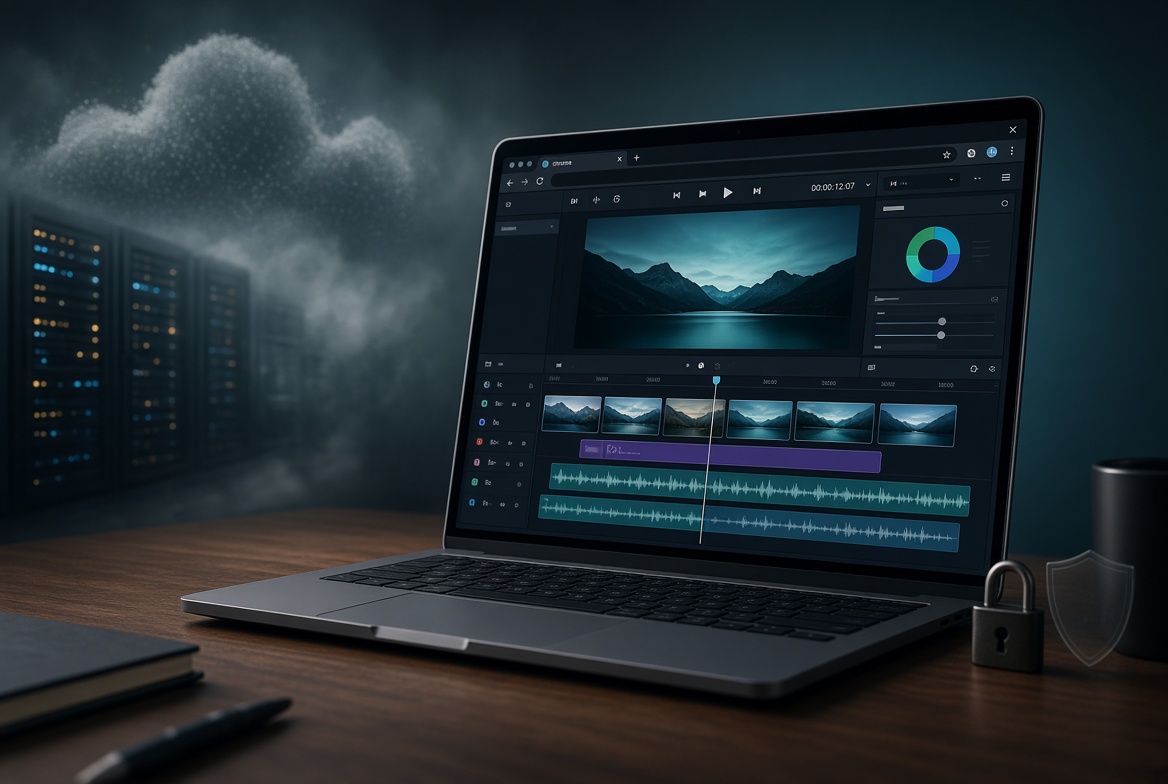
Cloud video editors made collaboration easy. They also created a new default: every clip you cut first has to travel to someone else’s data center. Browser-based editors — especially those that process media locally with WebAssembly, WebCodecs, and WebGPU — flip that model. The page loads in Chrome or Edge. The footage stays on your disk. The render happens on your machine. For creators who care about NDAs, client faces, product unboxings before launch, or simply not waiting 20 minutes for a 4 GB upload, that architectural difference is the product. Below are five concrete benefits for anyone deciding which stack to standardize on.
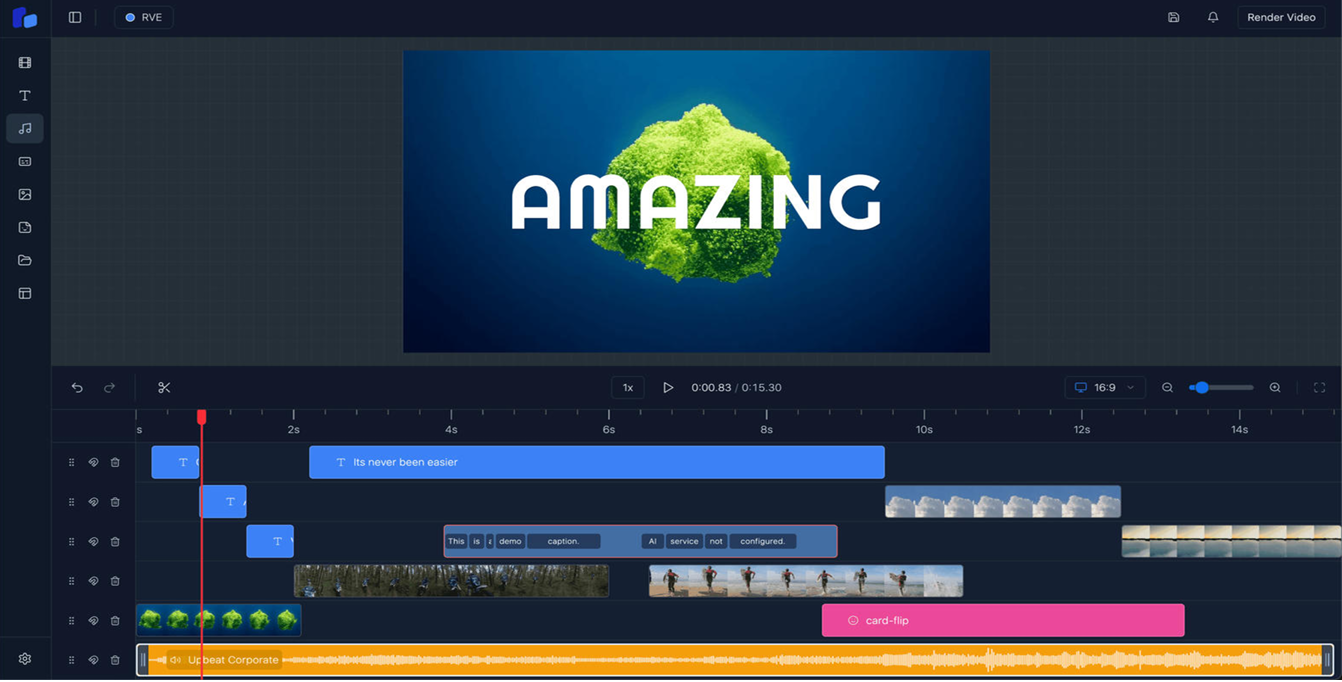
A cloud-based video editor must receive a copy of your file before it can trim a frame. That copy lives on a vendor’s object store, in a processing queue, and often in logs and backups. Privacy policies change. Jurisdictions differ. A breach at the vendor is a breach of your raw media. A true browser-based editor uses the Origin Private File System (OPFS) or local file handles. Decode, cut, grade, and encode happen inside the tab. There is no upload step to have a policy about. For legal, medical, unreleased product, or talent-sensitive work, that is not a feature — it is the compliance story.

On a typical home or café connection, uploading 2 GB of 4K phone footage takes 5–15 minutes before the cloud editor even starts. Then you wait in a render queue. Then you download the result. Local browser processing skips both transfers. WebCodecs talks to the same hardware decoder your desktop NLE uses. For short-form and mid-length social work — the majority of published video — end-to-end time is usually shorter in the tab than in the cloud, even when the cloud has bigger GPUs.
Cloud editors monetize two scarce things: their disks and their GPUs. Storage tiers, export credits, “Pro” render priority, and watermark removal all sit on top of the same meter. A browser-based editor that runs on the user’s CPU/GPU has almost no marginal cost per minute of footage. You already bought the laptop. After the page load, the vendor is not renting you a machine. That changes pricing power. Freemium can stay free for real work. Paid tiers can fund features instead of always-on cluster capacity. Lifetime or one-time licenses become viable because there is no per-user cloud bill that grows with usage.
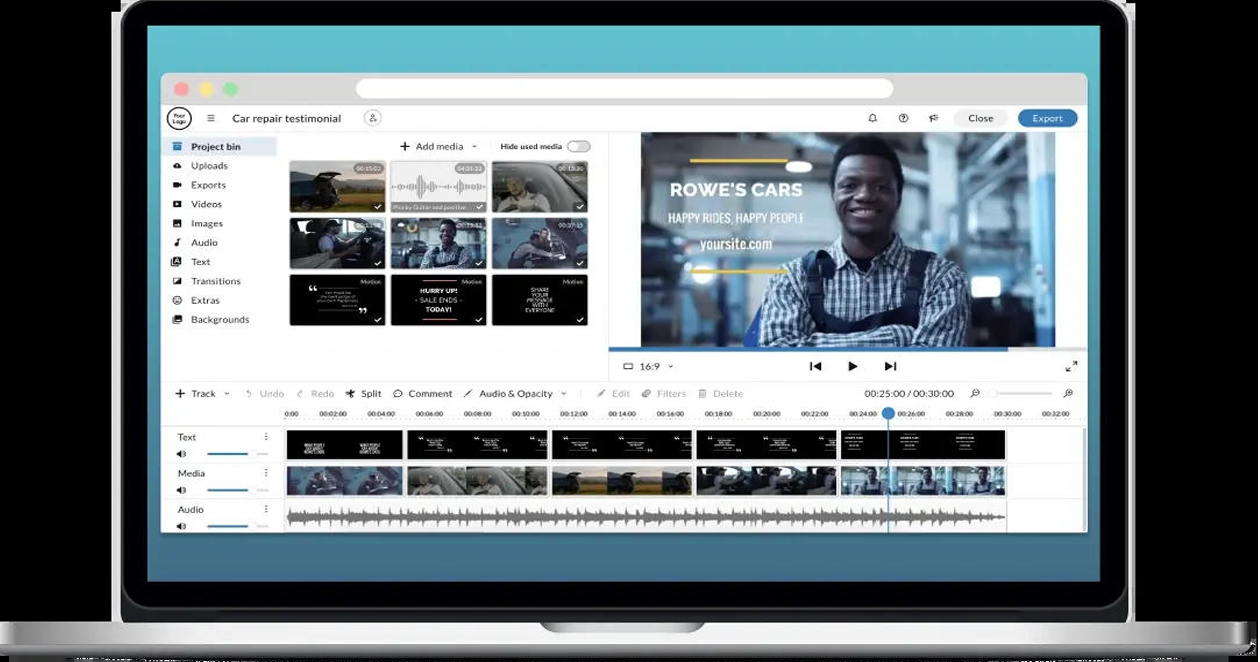
Once cached, a local-first browser editor keeps working in airplane mode, on a spotty hotel network, or behind a firewall that blocks large uploads. Cloud editors fail closed when the API is unreachable. That matters for field producers, journalists, and anyone who edits on the move. Because there is no installer and no admin rights, the same URL works on a Chromebook, a locked Windows image, a Mac in the library, and a Linux box. Updates ship when you refresh. There is no 8 GB desktop download and no “please restart after this 2.1 GB patch.”
AI features inherit the same split. A cloud “auto-cut” or “AI reshoot” means sending frames or embeddings to a model host. A browser or on-device AI path can run smaller models locally, or send only text prompts while pixels stay home. Buyers who already distrust generative video are far more willing to try AI that never sees the raw file.
Choose in-browser, local processing when the job is short-form or mid-length, privacy or NDA is non-negotiable, internet is unreliable, or you want to avoid per-minute cloud fees. Keep a desktop NLE for 6K multi-cam, heavy color science, and hardware control surfaces. Most working creators in 2026 already mix both. The mistake is treating “online editor” as a synonym for “must upload.” It is not. The browser can be the studio and the vault at the same time.
Cloud-based video editor: uploads media, processes on remote GPUs, stores projects in the vendor account, needs a live connection, bills for storage and render time.
Browser-based (local-first) video editor: opens in a tab, processes with WebCodecs/WASM/WebGPU on your device, keeps files in OPFS or local disk, works offline after load, has near-zero marginal cost per export.